
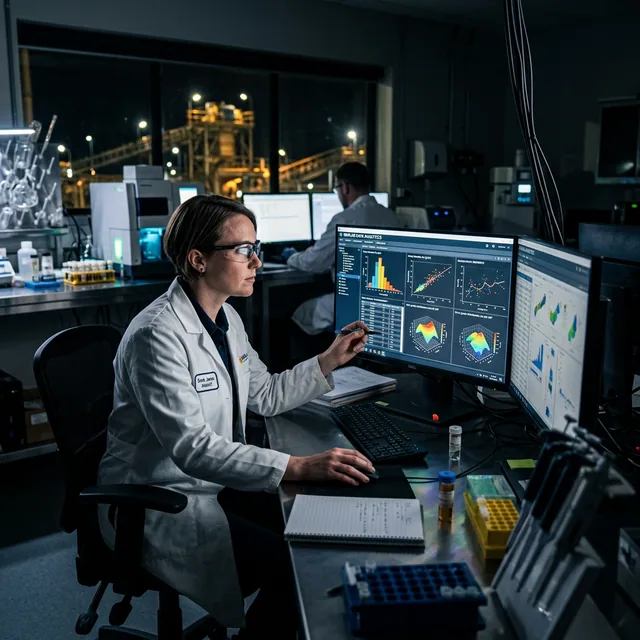
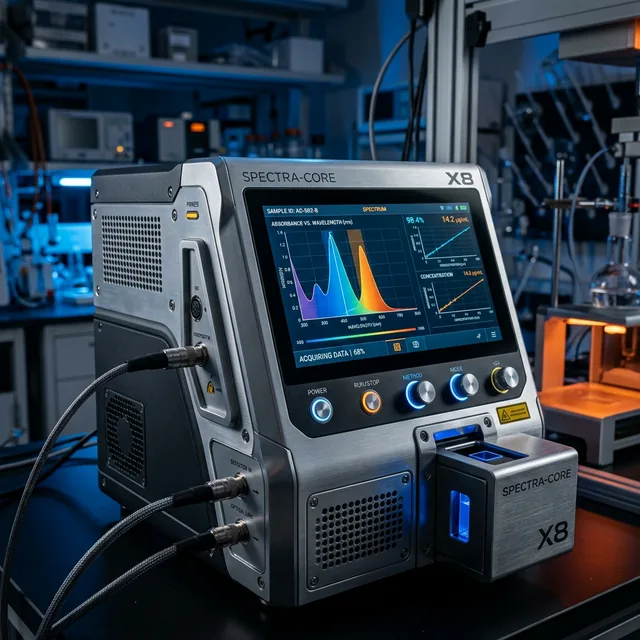
We Built OnSight for the Break-Room TV. It Ended Up on the Supervisor's Desk.
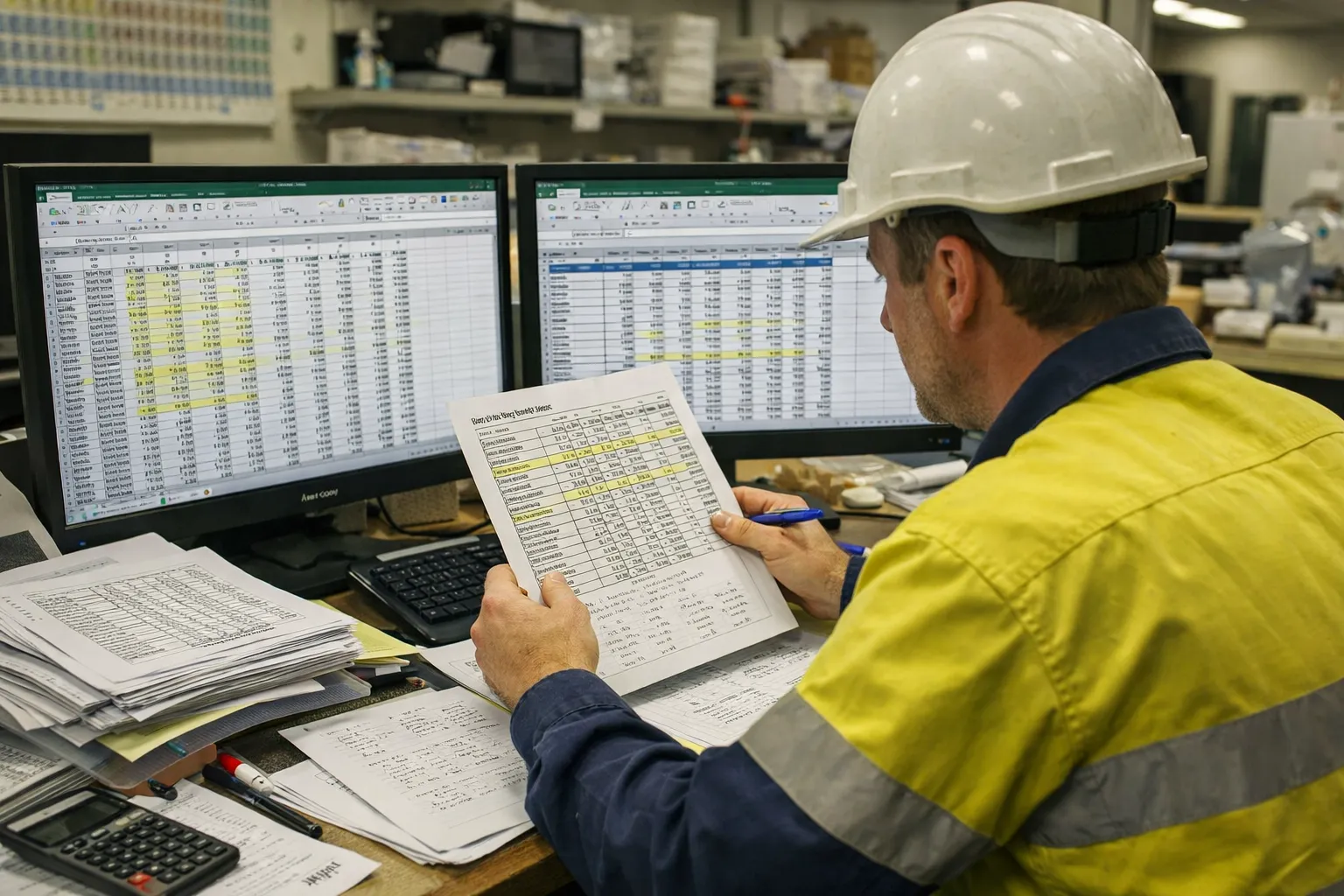
OnSight began as a TV board requested by a mining laboratory. Why a live view of backlog and routines became a daily desktop tool for its supervisor.
Read ArticleINDUSTRIAL LIMS SPECIALISTS · SINCE 1989
Sample reception
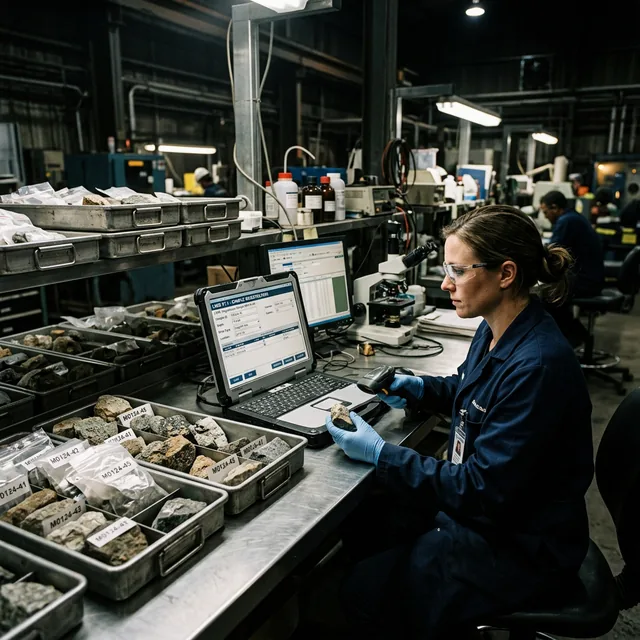
Reception registers the work once, and the rest of the laboratory works from that record. Drill-core and client submittals become batch jobs, created from a template or an earlier job. Plant points that are sampled again and again run as routines: their samples are added as each worksheet is saved.
// RECEPTION → JOB → WORKSHEET
One record, start to finish
A sample is registered once and never retyped: the same record moves from the OnLAB job to the worksheet, the QC check and the published result your client sees.
| Step | Application | What your laboratory gets |
|---|---|---|
| Reception | OnLAB | Client, reference, requested tests and sample IDs recorded once, at reception. |
| Run preparation | OnWSH | Worksheet rows linked to their OnLAB jobs, with the run's QC samples beside them. |
| Instrument readings | OnWSH · 150+ instruments | AAS, ICP, XRF, LECO and balance readings captured into the worksheet instead of typed. |
| Calculations | OnWSH | Raw readings, @ calculations and reportable results side by side in one worksheet. |
| QC review | OnQC + OnWSH | Standards, blanks and duplicates checked against their limits before results are locked. |
| Approval | OnWSH | Results locked first, then the whole worksheet, by an authorized user. |
| Publication | OnWSH → OnLAB | Results published to the job only by users who hold the publishing permission. |
| Client access | LabData | Clients find their jobs, view published values and follow pending and ready counts. |
Bring a sample list, an instrument export and your QC limits, and see this path run with your own data in a demonstration.
Why OnLIMS?
We know laboratory protocols because we've automated them since 1989 — for mining, smelter and environmental labs worldwide.
"Delivering innovation in automation since 1989"
OnLIMS workflow
Each OnLIMS application covers one stage of the sample's path, and all of them share one SQL Server database, so a result is never copied from one system to another. For a live view of the backlog on the laboratory TV, see OnSight.
Batch jobs for submitted samples, routines for plant points sampled over and over. Reception sets up the work once and every worksheet picks it up from there.
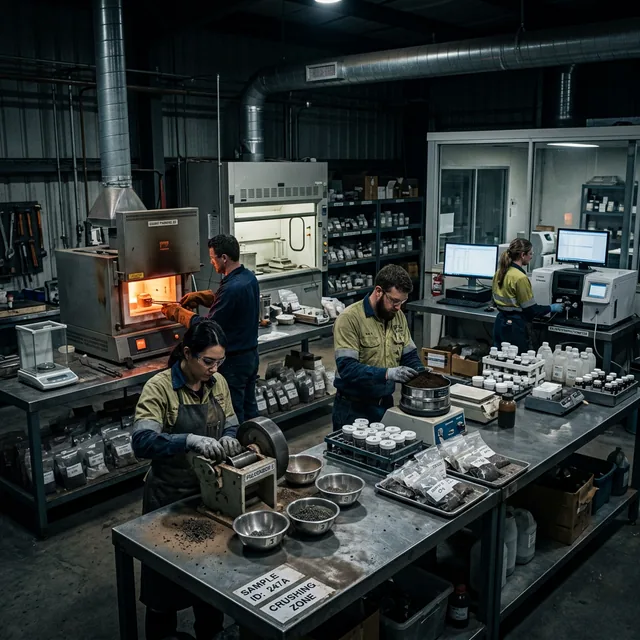
The analyst's worksheet: balance weights captured over RS232, AAS, ICP, XRF and LECO readings imported, and every calculation in plain view. For example, a 25 mg/L reading, a 50 mL volume and a 1.0000 g mass give 0.125 % Cu.
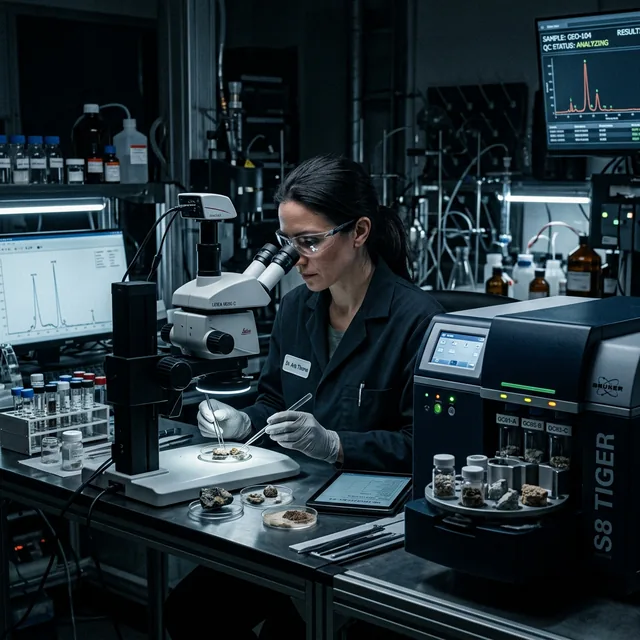
QC records hold each standard's certified value and accepted range. When results are locked, OnWSH checks the run's standards, blanks and duplicates against them, and a value outside the range opens the Control Chart.
Reviewed results are published to the job by authorized users, and your clients open LabData to find their jobs and view the published values themselves.
Certificates are printed from the saved job in your laboratory's own report format, with a preview to check sample IDs, results, units and methods before issue.
Deployment and access
For your IT team, OnLIMS is simple to run: the applications run on Windows from one shared folder on the network, laboratory records live in Microsoft SQL Server, and OnConfig manages users and roles.
// OnLIMS Ecosystem
OnLAB → OnWSH → OnQC review → OnLAB publication → LabData
// PROVEN IN PRODUCTION
OnLIMS runs in production at major mining, smelter and commercial-terminal laboratories across the Americas — Canada, the USA, Peru, Chile and Mexico — spanning copper, zinc, gold, lead and coal, from exploration and mine-site assay labs to smelters and concentrate export terminals. That includes some of the world's largest copper and zinc operations.
// BY LABORATORY TYPE
// WHAT LABORATORY PROFESSIONALS SAY
5.0 on Mining Software Reviews · 5.0 on Google
“They took the time to understand our processes rather than offering a one-size-fits-all solution. […] OnLIMS is highly configurable, which means you can adapt the system to your operation instead of having to change your operation to fit the software.”
— Mining laboratory · 5-star review on Google
“What I appreciate most is the technical expertise and personalized support provided by the OnLIMS team. They understand our operational requirements, are willing to assist with troubleshooting and system improvements, and work collaboratively with our IT department.”
— Mining laboratory, Mount Polley · review on Mining Software Reviews
“ONLIMS data processing functions enhance the data processing capability of most instrument software and can greatly speed up analytical data processing and QC/QA.”
— Environmental chemistry laboratory · review on Mining Software Reviews
“The ONLINE LIMS worksheet module is the best I have seen from all LIMS providers! Highly recommend the product.”
— Russ Calow, Analytical Laboratory Consultant · public comment on LinkedIn
Insights

OnSight began as a TV board requested by a mining laboratory. Why a live view of backlog and routines became a daily desktop tool for its supervisor.
Read Article
A balance can be calibrated and still be wrong after someone moves it. How mining labs use ISO 17025 intermediate checks between calibrations.
Read Article
A mining laboratory CAPA should close only after effectiveness is verified. See how OnQMS connects the original finding, NCR, action and evidence.
Read ArticleLaboratory Intelligence
What laboratory and QA/QC managers ask about jobs, instruments, QC and client results.
OnLIMS manages the laboratory's jobs, samples, worksheets and results. Reception registers the job in OnLAB, analysts run the samples in OnWSH worksheets fed by balances and 150+ instruments, QC is checked when results are locked, and published results reach clients in LabData.
When results are locked. OnWSH checks each standard, blank and duplicate in the run against its QC record. For example, with a standard certified at 10.0 mg/L and accepted from 9.0 to 11.0 mg/L, a 10.4 result locks straight away; 11.5 opens the Control Chart, where the analyst cancels or an authorized user accepts it with a note.
More than 150 instruments from about 40 brands, among them Agilent, PerkinElmer, LECO, Metrohm, Thermo Scientific, Malvern PANalytical, Bruker, Rigaku and Chrysos PhotonAssay, across AAS, ICP-OES/MS, XRF, carbon/sulfur, calorimeters, titrators and balances. Examples include the Agilent 7900 and 5110, PerkinElmer NexION 2000x, Thermo Scientific iCAP 7000, LECO CS744 and Bruker S8 Tiger.
The applications run on Windows workstations from one shared folder, with a Microsoft SQL Server database, so an update is made once on the server for every user. Access through Citrix Virtual Apps or Microsoft RDS is also possible.
A batch job holds a submitted set of samples and the tests requested for them. A routine is created once for a recurring sampling point; each time a worksheet is saved, its new sample rows are linked to the routine.
Clients find their jobs and view published results for the clients and tests their account gives them access to. Job details and pending and ready counts are visible before the job is complete, and clients can send analysis requests for the laboratory to register in OnLAB.
Bring a sample list, an instrument export and your QC limits. We take them from OnLAB reception through an OnWSH worksheet, the QC check and publication, and show you the certificate and your client's view in LabData.